
How to Correlate Logs with Traces When Debugging
Correlate logs with traces using trace IDs, span IDs, and a request test. Find missing context across services without relying on timestamps alone.
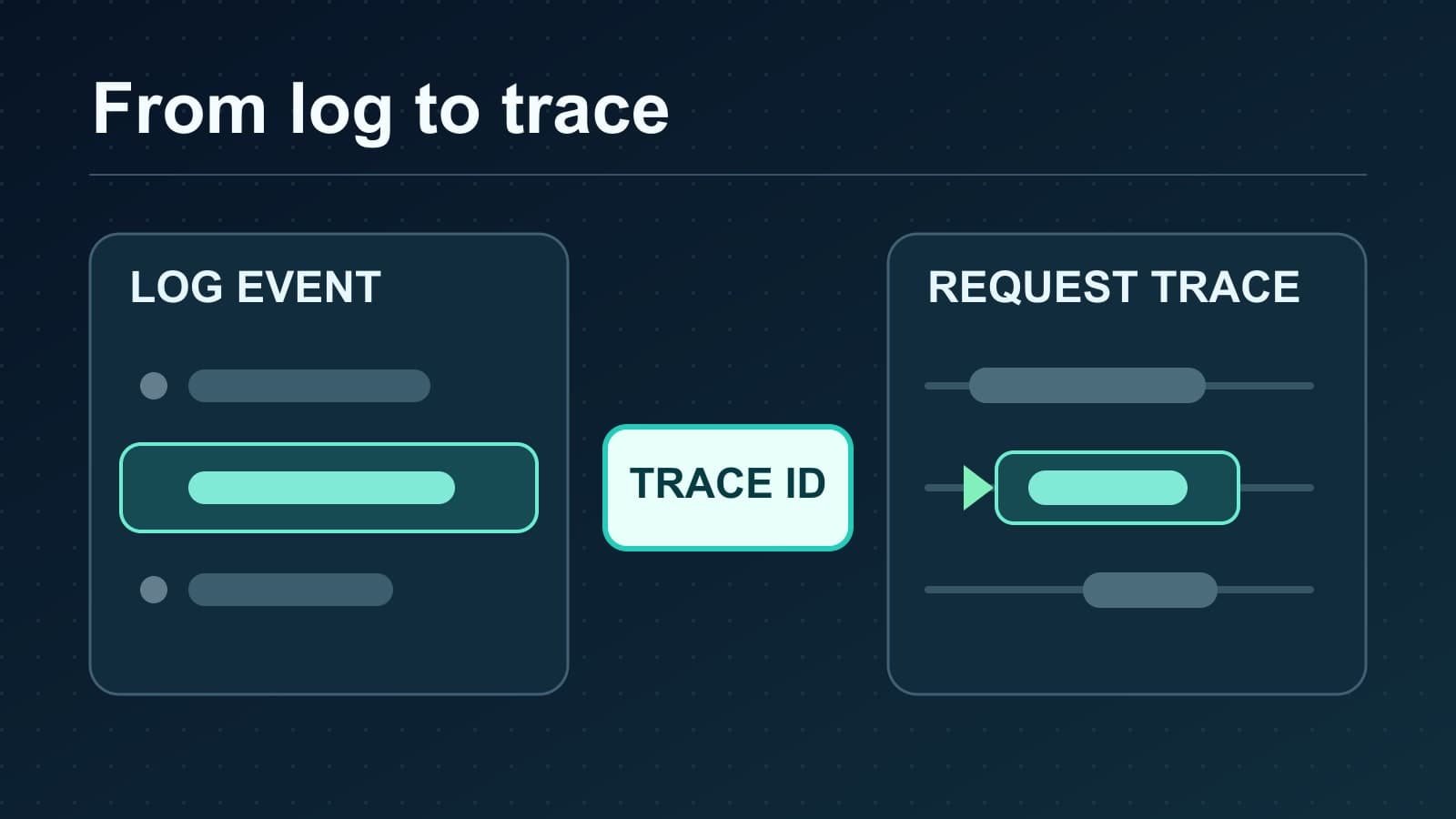
To correlate logs with traces when debugging, put the active trace_id and span_id in each relevant log record. Then find the same trace_id in your trace tool. Use the span_id to find the operation that wrote the record. This works when logs and traces go to different systems. It also gives you a clear test when a link between them fails.
The essential check is one real request. Follow its trace context through each service, confirm the IDs in a structured log, and open the matching trace. A time window can help you find a record, but time alone cannot prove that two events belong to one request.
Which ID joins a log to a trace?
| Field | What it identifies | Use during an incident |
|---|---|---|
trace_id | One distributed request path | Find the same request across services and log stores. |
span_id | One operation within that trace | Find the operation that emitted the log. |
service.name | The service that emitted telemetry | Check which process produced the record. |
| Timestamp | When a record was written | Narrow the search, then verify the IDs. |
OpenTelemetry's log data model defines TraceId and SpanId on a log record. Its non-OTLP log format guidance recommends lowercase trace_id and span_id fields in structured logs. Your logger and backend might display those fields with different names. Check their actual mapping before you write a query.
For example, a log store can show two records for one request:
[
  {
    "service.name": "checkout-api",
    "event": "charge_started",
    "trace_id": "4bf92f3577b34da6a3ce929d0e0e4736",
    "span_id": "00f067aa0ba902b7"
  },
  {
    "service.name": "payment-worker",
    "event": "charge_failed",
    "trace_id": "4bf92f3577b34da6a3ce929d0e0e4736",
    "span_id": "b9c7c989f97918e1"
  }
]
These records share a trace ID. They have different span IDs because they describe different operations. The values are examples, not a record of a real payment.
Set up log and trace correlation
1. Start tracing before the request handler
Instrument the server process so each incoming request has an active span. Use the OpenTelemetry instrumentation that matches your framework and the clients that call other services. A log line written outside an active span may have no trace context. The OpenTelemetry context propagation guide explains how context moves between services.
Keep one stable service.name for each deployable service. It helps you tell two records apart when they share a trace ID.
2. Add active context to structured logs
Configure your logging integration to add the active trace and span IDs to records written during a request. Check the output of your actual logger. Do not assume that an installed tracing package changes every logging library or every output format.
For JSON logs, use top-level trace_id and span_id fields where your integration permits it. Keep the IDs as lowercase hexadecimal strings. A field that contains a URL, request ID, or session ID is not a substitute for a trace ID.
3. Propagate context across each boundary
When one service calls another, pass trace context with the request. The W3C Trace Context specification defines the traceparent header. It carries a trace ID, a parent ID, and trace flags. The receiving service must extract that context before it creates its child span.
HTTP instrumentation often handles this boundary. A queue, scheduled job, or custom transport needs its own check. A worker log can have a valid trace ID and still belong to a new trace if the producer did not inject context or the worker did not extract it.
4. Export traces and keep logs in their chosen store
Send traces to a trace backend. Send application logs to the log system you already use. Both systems need the same trace ID to support a manual join. A single product does not need to ingest both signals.
If you export traces to Tracekit, use its OTLP integration guide and distributed tracing view. Tracekit accepts traces and metrics. It is not a general application log-ingestion service. Keep ordinary logs in your existing logger and log store.
5. Verify one request in both places
Make a safe test request that reaches a downstream service. Find its structured log and copy the trace_id. Search for that ID in the trace backend. Open the trace and find the matching span_id in the waterfall.
If you have a local JSON-lines export, this command finds records with one ID:
TRACE_ID=4bf92f3577b34da6a3ce929d0e0e4736
jq --arg id "$TRACE_ID" 'select(.trace_id == $id)' app.jsonl
Use your log store's field query for production data. Confirm that each expected service records the same trace ID. Then confirm that the spans form the request path you expect. The trace viewer guide explains how to read that path.
Why the correlation might fail
| Symptom | Likely cause | First check |
|---|---|---|
Log has no trace_id | It was written outside active context, or the logger did not inject IDs. | Log one line inside a known request span. |
Service B has a different trace_id | Context did not cross the service or queue boundary. | Inspect propagation at the sender and receiver. |
| Log has an ID, but no stored trace | Sampling dropped the trace, export failed, or retention ended. | Check sampling, exporter errors, and trace retention. |
Trace exists, but no matching span_id | The log used another active span, or its span was not recorded. | Compare the log location, active context, and exported spans. |
| Search finds many unrelated records | The query uses only time or service name. | Filter on the exact trace ID. |
The sampled flag in traceparent is a hint about the caller's recording decision. It does not guarantee that a backend stored the trace. The W3C specification makes that limit explicit. During a test, use a known sampling setting and confirm exporter delivery. The trace-based alert and sampling guide covers the effect of sampling on later investigation.
Keep the join useful and safe
- Keep
trace_idandspan_idas separate structured fields. Do not bury them in the message text. - Record a service name and timestamp with each log. Those fields help when two systems have different retention periods.
- Use a stable field mapping across services. Document exceptions for older applications.
- Limit sensitive data in logs and span attributes. A trace ID is a join key, not a reason to copy request bodies or credentials.
- Test an HTTP request and a background job separately. Each boundary can lose context in a different way.
When a trace shows where time was spent but does not show why a branch ran, add targeted runtime evidence. Tracekit dynamic logs use bounded capture points to collect runtime state and trace context where the SDK supports them. They do not replace your ordinary logs or provide a general log pipeline.
Start with one request, one log record, and one matching span. Once that join works, repeat the test across each service and worker boundary. That is the proof that log and trace correlation will help during an incident.
Related Posts
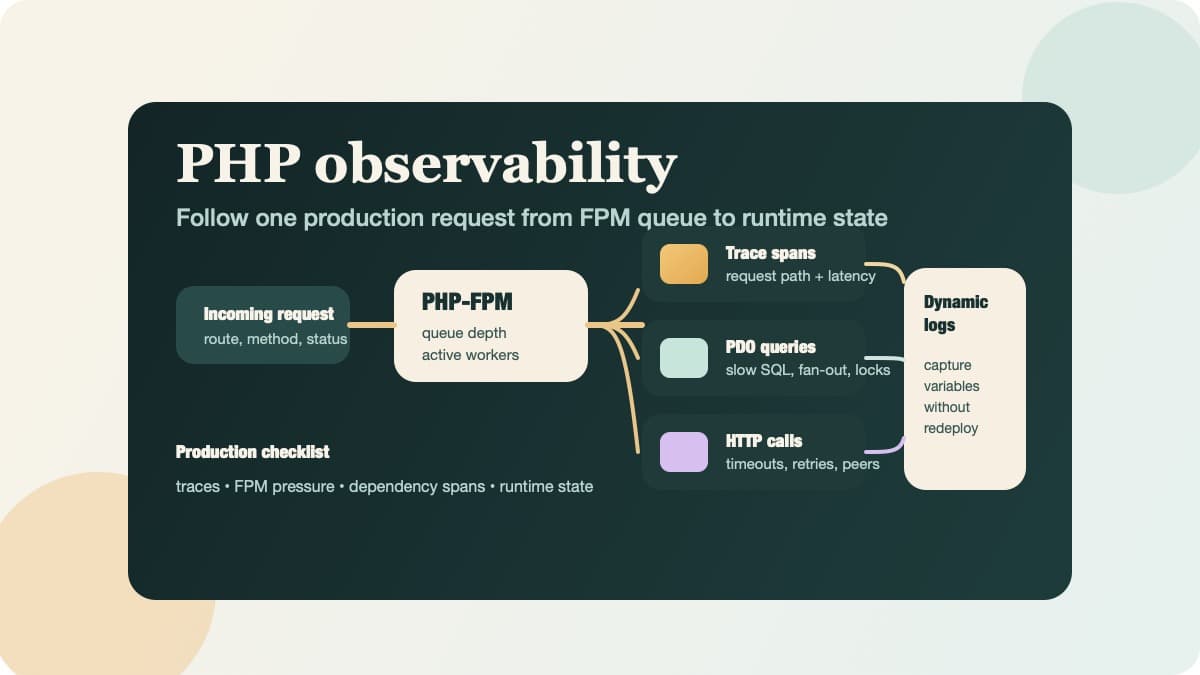
PHP Observability Checklist for Production Apps
Use this PHP observability checklist to trace requests, surface PDO and HTTP bottlenecks, and inspect runtime state without redeploying.
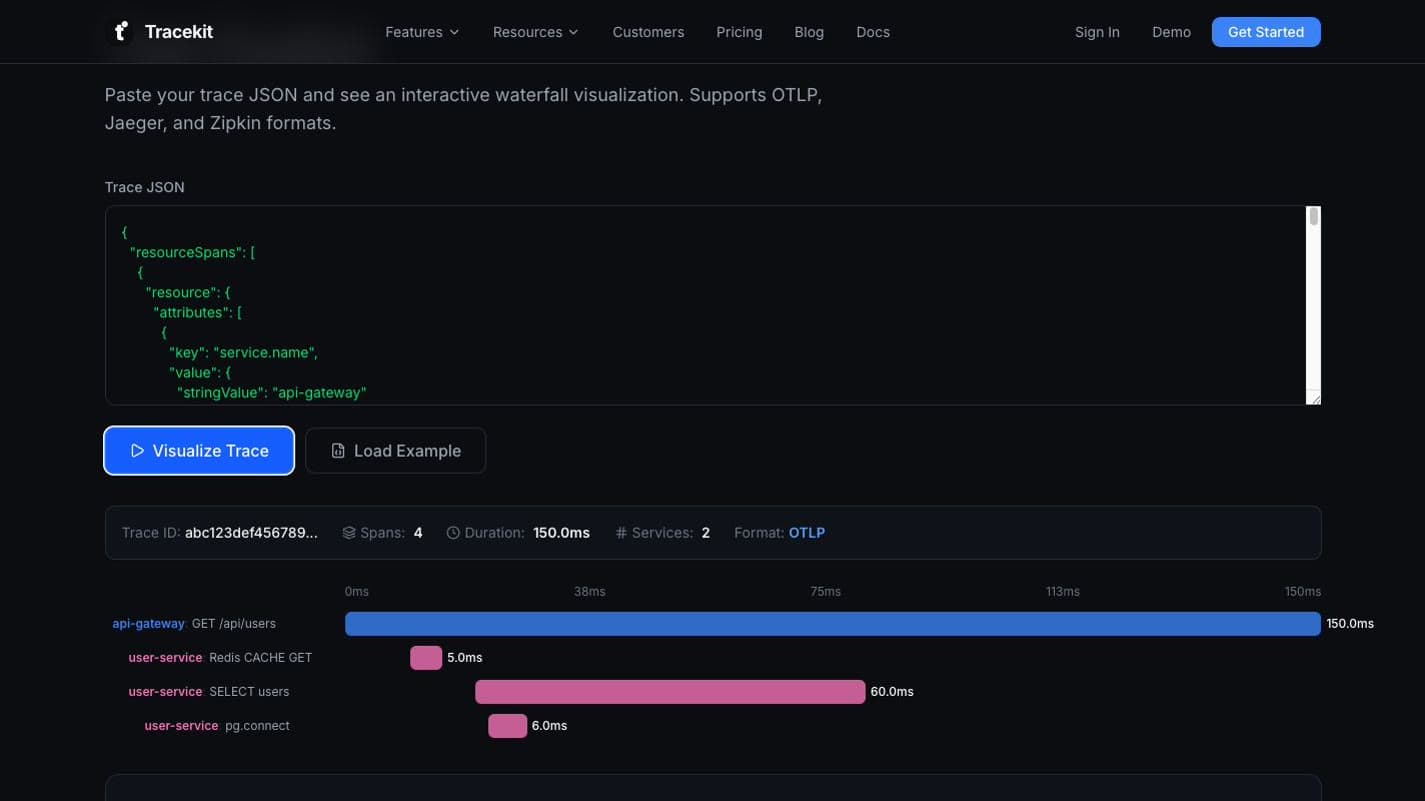
How to Visualize OpenTelemetry Traces Online
Visualize OpenTelemetry traces online, read the waterfall, fix export errors, and choose the right OTel trace viewer for each debugging job.
Python Application Performance Monitoring with OpenTelemetry
Set up Python application performance monitoring with OpenTelemetry. Measure latency, errors, throughput, and dependency spans across production requests.