
Best APM for FastAPI Applications: A Practical Trial
Compare FastAPI APM options with one request, database call, and background task. Use a short trial to find trace gaps and choose useful coverage.
The best APM for FastAPI applications is the one that explains your real slow request. A route can return quickly while its background task fails. A database call can be slow without appearing in the request trace. Compare tools with the same test before you choose one.
This guide covers OpenTelemetry, Datadog, New Relic, and Tracekit. It gives each option a fair starting point. It also shows what to test in your own application. No vendor can prove your exact coverage from a feature list.
Decide what the APM must answer
Pick one route that matters to users. Add a database call, an outbound request, and a background task if your application uses them. Then write down the questions you need to answer during an incident.
| Question | Evidence to seek | Common gap |
|---|---|---|
| Which route slowed down? | Duration distribution by stable route, plus request count | A service average hides one slow endpoint. |
| What used the time? | One connected request trace with database and HTTP spans | A request span exists without useful child spans. |
| Did work finish after the response? | Task start, finish, error, and retry evidence | HTTP success hides task failure. |
| Did a release change the result? | Release marker beside the first bad interval | A trace shows delay without a change lead. |
| Can the team act on an alert? | Route, baseline, traffic, errors, and trace link | A threshold fires without enough context. |
FastAPI runs BackgroundTasks after sending the response. Its middleware also finishes before those tasks run. Do not use HTTP duration alone to judge task completion. A separate queue worker needs its own instrumentation and trace context check.
Compare four starting points
This table describes documented setup paths. It is not a measured ranking. Check current pricing, retention, and supported library versions before a purchase.
| Option | Good first trial when | Setup and coverage check |
|---|---|---|
| OpenTelemetry Python | You want portable telemetry and control over the exporter. | Install the FastAPI instrumentor, choose an exporter, and verify database and worker spans separately. |
| Datadog Python APM | You already use its agent and need FastAPI traces in that environment. | Use its documented Python setup. Check the FastAPI integration, required agent, and full data cost. |
| New Relic Python APM | You need FastAPI coverage beside an existing New Relic workflow. | Confirm your framework version and instrument worker functions where needed. |
| Tracekit | You want OpenTelemetry traces with targeted runtime state during debugging. | Confirm request, database, outbound, and worker coverage in your deployed application. |
The OpenTelemetry FastAPI instrumentor records HTTP request spans. Datadog lists FastAPI among its supported Python integrations. New Relic lists FastAPI among its supported frameworks. These facts establish a starting point, not complete coverage for every dependency.
Tracekit's Python integration guide documents FastAPI request tracing. Its current SDK also provides init_fastapi_app() and a separate OpenTelemetry instrumentor path. Choose one request instrumentation path per app. Then verify SQLAlchemy and outbound calls with actual traces. The SDK does not prove automatic coverage for every background worker or queue.
Run one fair FastAPI APM trial
Use a test route with a known database call and a safe outbound request. If you use a task queue, send one job with a stable test ID. Run the same test for each option.
- Send normal and slow requests to the same route. Record the route, status, p50, p95, count, and time window.
- Open one slow trace. Check the server span, database span, outbound span, and parent links.
- Trigger one task failure. Find its start time, error, attempt count, and final outcome.
- Check whether a queued worker continues the trace. Add context propagation when the link is absent.
- Create one alert for sustained user impact. Confirm that it leads to the affected route and a useful trace.
- Estimate cost at your normal traffic and retention. Include traces, metrics, jobs, and any other enabled data.
Record each check as shown, needs setup, or not shown. A missing span can be an instrumentation gap. It can also be a sampling, export, or context problem. Check configuration before you score a tool as unable to show it.
The FastAPI tracing guide shows a Tracekit setup with explicit FastAPI and SQLAlchemy instrumentation. The FastAPI monitoring guide shows route metrics and alerts. Use these guides when you need a concrete starting test.
Watch three FastAPI failure boundaries
Request to database. A server span cannot explain slow SQL by itself. Verify database instrumentation and compare one request with a known query. If repeated queries appear, use the N+1 query guide to confirm the pattern.
Request to background task. A successful response does not show task success. For in-process tasks, capture a separate task outcome. For external workers, send and extract trace context across the queue. The production background task checklist gives a fuller test.
Request to another service. Confirm that the outgoing span and downstream server span share the expected trace context. If they do not, inspect propagation before you blame the downstream service. The distributed tracing guide explains the connected path.
Choose from the trial evidence
Choose the option that answers your most common incident question with acceptable setup and cost. A team with an existing Datadog or New Relic installation should test that path first. A team that values exporter control should test OpenTelemetry. A team that needs traces and selected runtime state should test Tracekit.
Tracekit dynamic logs capture chosen runtime state at capture points. They are not general log ingestion. Keep ordinary application logs in your logger. Never place secrets or full customer payloads in trace attributes or runtime captures.
Do not choose from a dashboard screenshot alone. Keep the request, database, task, and service evidence from your trial. That evidence shows which FastAPI APM option helps your team debug production work.
Related Posts

FastAPI Tracing with OpenTelemetry: A Practical Setup
Set up FastAPI tracing with OpenTelemetry. Connect request, SQLAlchemy, and HTTPX spans, then verify trace context across services.
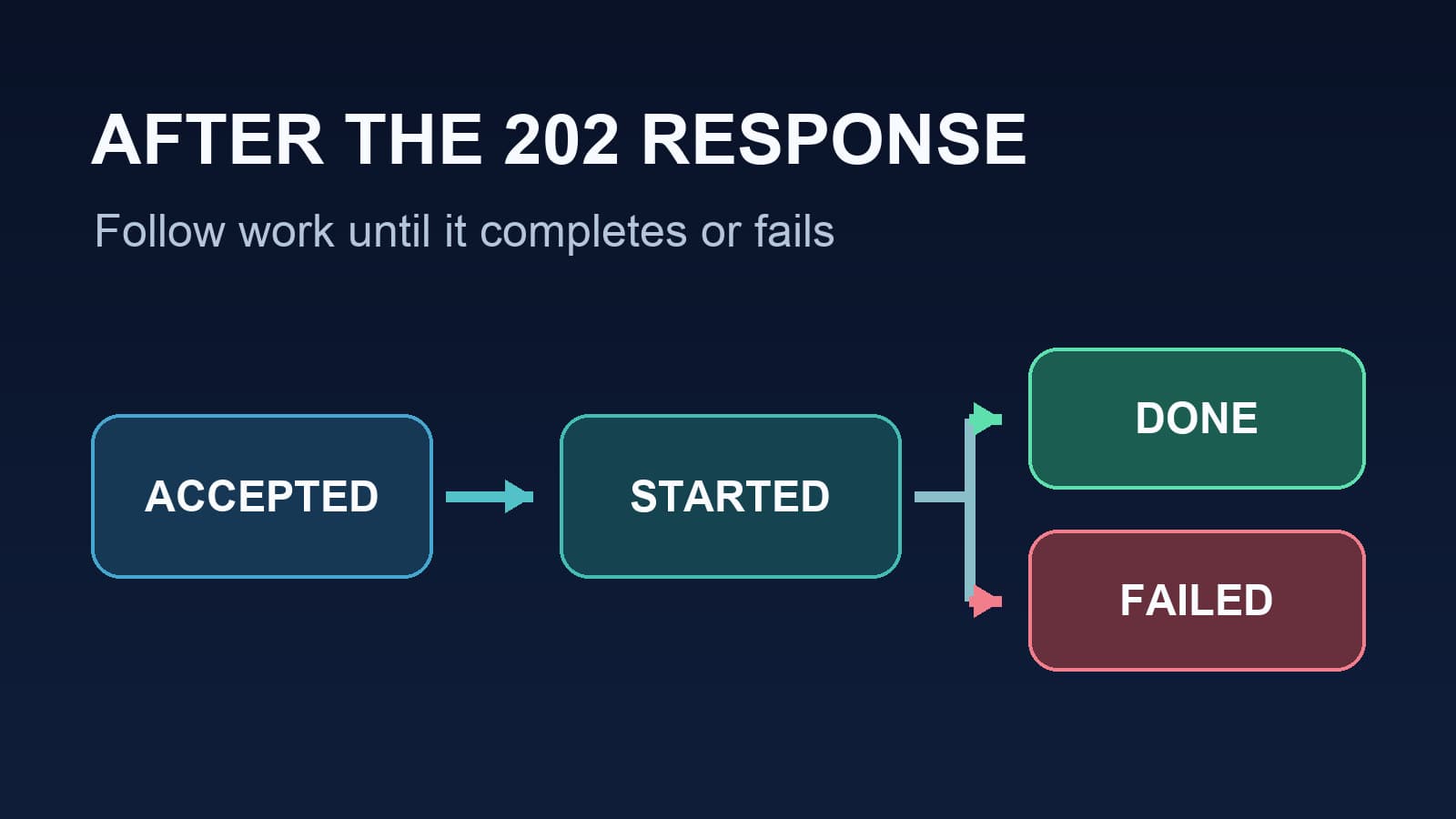
FastAPI Background Tasks: Production Checklist
Use this FastAPI background tasks production checklist to test completion, failures, trace context, resource lifetime, and queue decisions.
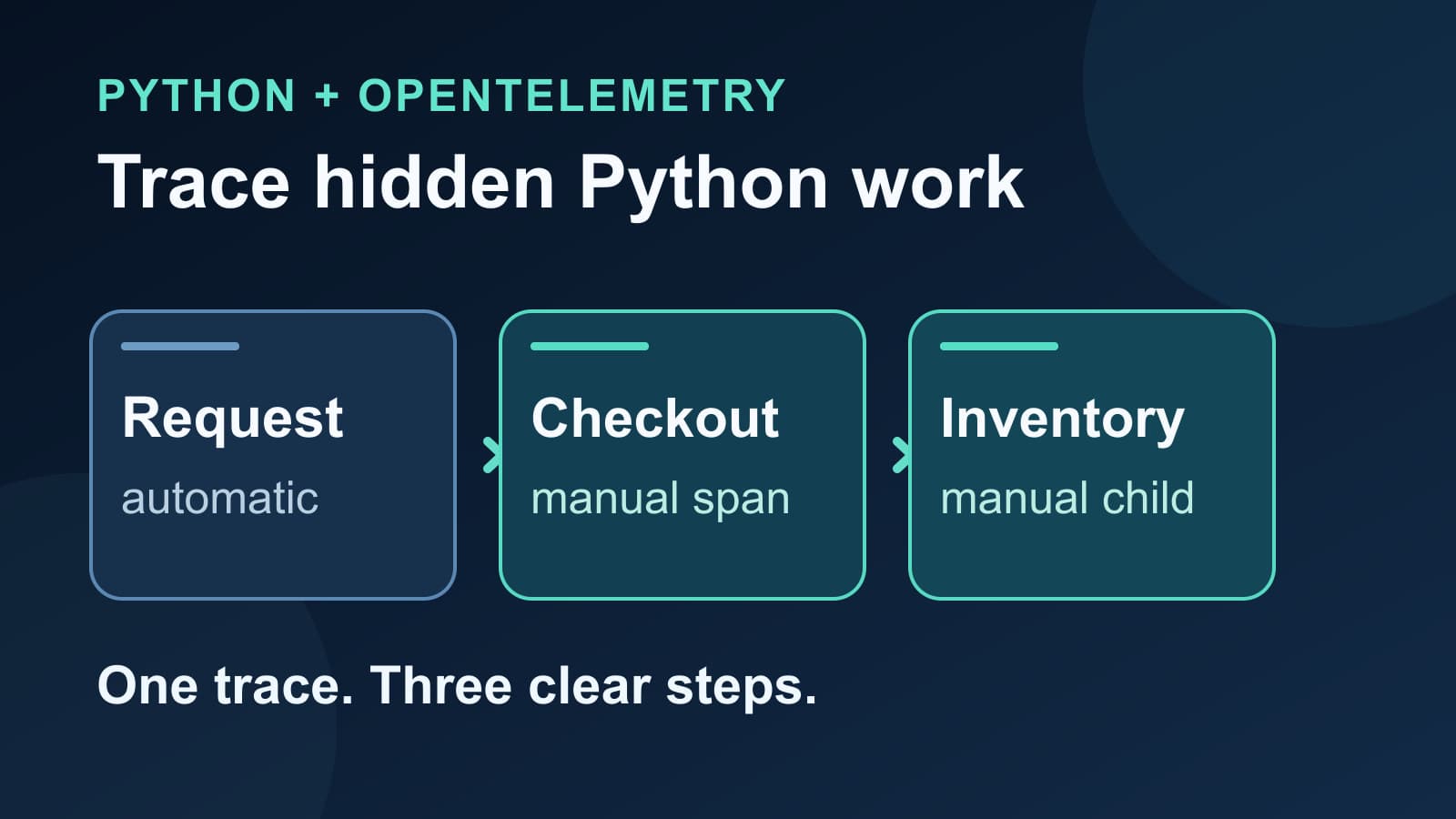
OpenTelemetry Manual Spans in Python Applications
Add OpenTelemetry manual spans to a Python application. See parent-child timing, safe attributes, and a checklist for missing spans.