
Tracekit vs Datadog for Small Engineering Teams
Compare Tracekit and Datadog for small engineering teams by pricing units, product scope, OpenTelemetry support, and debugging workflow.

If you need the best APM options for a small engineering team on a tight budget, compare the billing unit before you compare feature counts. A low entry price can become expensive when the bill scales with hosts, telemetry volume, seats, or separate products.
Tracekit and Datadog solve different versions of the problem. Tracekit focuses on application debugging with traces, errors, sessions, alerts, releases, and targeted runtime state. Datadog covers a much broader observability platform, including deep infrastructure and network monitoring.
The right choice depends on which scope your team needs and which billing unit matches your architecture.
Quick Answer
Choose Tracekit when your team wants a focused application-debugging workflow, OpenTelemetry-native ingestion, and trace-based plan limits. Choose Datadog when your team needs a broad observability platform and accepts per-host APM pricing plus separate product costs.
Do not compare $29 with $31 and stop there. Those prices measure different things:
- Tracekit Starter costs
$29/monthand includes1M traces/monthfor up to3team members. - Datadog APM starts at
$31 per underlying APM host per monthon annual pricing when Infrastructure Monitoring is attached. - Datadog states that its base APM host includes
1 million Indexed Spansand150 GB of Ingested Spanseach month. - Extra Datadog products can create separate line items.
These figures come from the public Tracekit pricing page and Datadog's official APM pricing and APM billing documentation. They were checked on September 17, 2026.
Tracekit vs Datadog at a Glance
| Decision area | Tracekit | Datadog |
|---|---|---|
| Core fit | Application debugging for developers and small teams | Broad observability across applications and infrastructure |
| Base billing unit | Traces per month | Underlying APM hosts, with span allotments |
| Public starting point | Free tier, then Starter at $29/month | APM from $31/APM host/month with stated conditions |
| OpenTelemetry | Accepts OTLP directly and provides SDKs | Supports OpenTelemetry and Datadog-native instrumentation |
| Runtime investigation | Dynamic logs capture targeted runtime state | Dynamic Instrumentation can add logs, spans, and metrics at runtime |
| Infrastructure depth | Service health and application telemetry | Deep host, container, network, cloud, and infrastructure products |
| General log ingestion | Not a Tracekit product area | Available as a separate Datadog product |
| Best reason to choose it | Focused incident workflow and trace-based tiers | Platform breadth and mature enterprise coverage |
This is not a claim that one platform has every feature of the other. Their product boundaries are different.
Compare the Billing Unit First
Small teams often run more hosts or containers than engineers. A host-based bill can therefore grow even when the team size stays fixed.
Tracekit uses plan allowances for traces, retention, team members, alerts, dashboards, and AI credits. Its current monthly tiers include:
| Plan | Monthly price | Trace allowance | Team members | Retention |
|---|---|---|---|---|
| Free | $0 | 200K/month | 1 | 7 days |
| Starter | $29 | 1M/month | 3 | 30 days |
| Growth | $99 | 10M/month | 10 | 45 days |
| Pro | $299 | 50M/month | 25 | 60 days |
Annual billing changes the effective monthly price. Check the live pricing page before approving a budget.
Datadog bills its base APM tier per underlying APM host. Its public page currently lists $31/host/month with annual billing and Infrastructure Monitoring attached. It lists $36/host/month for on-demand billing under the same condition.
Datadog also offers higher APM tiers for Data Streams Monitoring and Continuous Profiler. Logs, Real User Monitoring, synthetics, security, and other product areas have their own pricing.
Two worked examples
These examples compare only the public base APM line. They do not estimate a complete Datadog bill.
| Example system | Tracekit fit | Datadog base APM line |
|---|---|---|
3 APM hosts, up to 1M traces, 3 engineers | Starter at $29/month | Starts at 3 × $31 = $93/month |
10 APM hosts, up to 10M traces, 10 engineers | Growth at $99/month | Starts at 10 × $31 = $310/month |
The examples are not equivalent bundles. Datadog includes platform capabilities that Tracekit does not try to replace. Tracekit includes application-debugging features that a team should test against its own workflow.
Use your real host count, trace volume, retention need, and product list. A pricing comparison without those inputs is only a headline.
Compare Product Scope Next
Datadog is broader
Datadog is a better fit when your team wants one large platform for several operational domains. Its public product and pricing pages cover areas such as:
- application performance monitoring
- infrastructure, containers, networks, and cloud services
- logs and observability pipelines
- database and data-stream monitoring
- Real User Monitoring and synthetic testing
- security and incident operations
- continuous profiling
This breadth can reduce vendor count. It can also increase configuration work, product decisions, and billing dimensions.
Do not treat that breadth as waste when your team needs it. A platform team responsible for infrastructure and security can get more value from Datadog than a three-person application team can.
Tracekit is narrower
Tracekit focuses on application evidence. It connects:
- distributed traces
- grouped application errors and releases
- frontend sessions and browser-to-backend trace context
- service health, metrics, alerts, and ownership
- dynamic logs for targeted runtime state
- AI-assisted investigation through the product and MCP tools
Tracekit does not position itself as a general log-ingestion service, a complete host-monitoring suite, or a continuous CPU profiler.
That narrower boundary is useful when the team wants to answer one question quickly: what failed in this request, and what evidence explains it?
Compare the Incident Workflow
An APM purchase pays off during an incident. Test the full investigation path instead of counting dashboard panels.
Use this scenario in both products:
- Create a slow request in a staging service.
- Confirm the alert identifies the correct service and time window.
- Open a representative trace.
- Find the slow database, queue, or outbound call.
- Compare the bad request with a normal request.
- Check the release that introduced the change.
- Inspect runtime state when the trace does not explain a branch decision.
- Record how many tools and permissions the responder used.
Tracekit supports this path with traces, releases, alerts, sessions, and dynamic logs. Its dynamic logs use bounded capture points to collect selected runtime state without adding a permanent log line or redeploying.
Datadog provides traces, service maps, deployment tracking, correlated telemetry, and Dynamic Instrumentation. Its current APM page says Dynamic Instrumentation can add logs, spans, and metrics without interrupting runtime.
Both products therefore offer more than a static trace waterfall. Test language support, access controls, plan limits, and the exact evidence captured by each workflow.
OpenTelemetry Reduces Migration Risk
OpenTelemetry defines vendor-neutral APIs, SDKs, semantic conventions, and OTLP. It does not store or visualize telemetry by itself.
Tracekit accepts standard OTLP over HTTP. A team can send traces and metrics without using a Tracekit SDK. The SDK is needed for features outside the OpenTelemetry specification, such as dynamic logs and some automatic product integrations. See the integration guide.
Datadog also supports OpenTelemetry. Its OpenTelemetry documentation explains several instrumentation and export paths. Datadog notes that feature availability can depend on the chosen path.
For a safer evaluation, instrument one service with OpenTelemetry and keep the Collector configuration in version control. Then test export to each backend. This reduces the cost of changing the storage and analysis platform later.
When Datadog Is the Better Choice
Choose Datadog when most of these statements are true:
- You need deep infrastructure, container, network, cloud, and application coverage.
- You want one vendor across several observability and security product areas.
- You already use Datadog agents, dashboards, monitors, and incident workflows.
- You have people who can manage sampling, retention, integrations, and cost controls.
- The additional platform breadth is worth the larger and more complex bill.
- Continuous profiling or other higher APM tiers are important requirements.
Datadog is not only an expensive APM. It is a broad platform. The comparison becomes misleading when a team ignores capabilities it will actually use.
When Tracekit Is the Better Choice
Choose Tracekit when most of these statements are true:
- Your main problem is application debugging, not infrastructure inventory.
- You want direct OTLP ingestion and OpenTelemetry-compatible instrumentation.
- You want traces, errors, releases, sessions, alerts, and runtime state in one investigation path.
- A trace-based plan fits your application better than a host-based APM line.
- Your team fits the published member and trace allowances.
- You prefer a smaller product surface for application responders.
Tracekit is not a full replacement for every Datadog product. Keep your current infrastructure or log tool when it already works. Use Tracekit where targeted application evidence shortens the debugging loop.
Other Budget-First APM Options
A small team should compare more than two products. These current public options have clear entry points:
| Option | Public entry point | Good fit to test |
|---|---|---|
| Scout Monitoring | Free plan with 300K transactions; paid plans start at $19/month | Framework-focused APM with error and query analysis |
| AppSignal | Free plan with 50K requests; paid plan shown at $23.25/month when billed yearly | Application monitoring with predictable limits and unlimited users |
| SigNoz | Cloud starts at a $49/month minimum; community self-hosting is available | OpenTelemetry-native logs, metrics, and traces with cloud or self-hosted choices |
Prices and allowances change. Verify the live pages before purchase.
The broader APM tools guide gives a larger shortlist. Use the same incident exercise and cost model for every candidate.
A Budget Worksheet for Small Teams
Write down these values before requesting a quote or starting a trial:
| Input | Your value |
|---|---|
| Engineers who need access | |
| Production hosts or APM hosts | |
| Containers at normal and peak load | |
| Requests or traces per month | |
| Span ingestion per month | |
| Required retention | |
| Logs per month | |
| Browser sessions or replay volume | |
| Profiling requirement | |
| Alert and dashboard count | |
| Support response requirement |
Then calculate three numbers:
- The normal monthly bill.
- The peak monthly bill.
- The engineering time needed to operate the platform.
The third number often matters most. A cheaper product can still cost more when the team must operate storage, upgrades, collectors, and alert pipelines.
Final Decision
For a small engineering team on a tight budget, Tracekit is the stronger choice when application debugging is the main job. Datadog is the stronger choice when broad infrastructure and enterprise observability coverage justify the added scope.
Run a two-week trial with the same service, failure, trace volume, and responder. Compare the complete bill and the time needed to explain the incident. That test gives a better answer than a feature matrix alone.
Start with the Tracekit pricing page, the distributed tracing overview, and the dynamic logs guide. Then compare the results with Datadog's official APM pages.
Related Posts
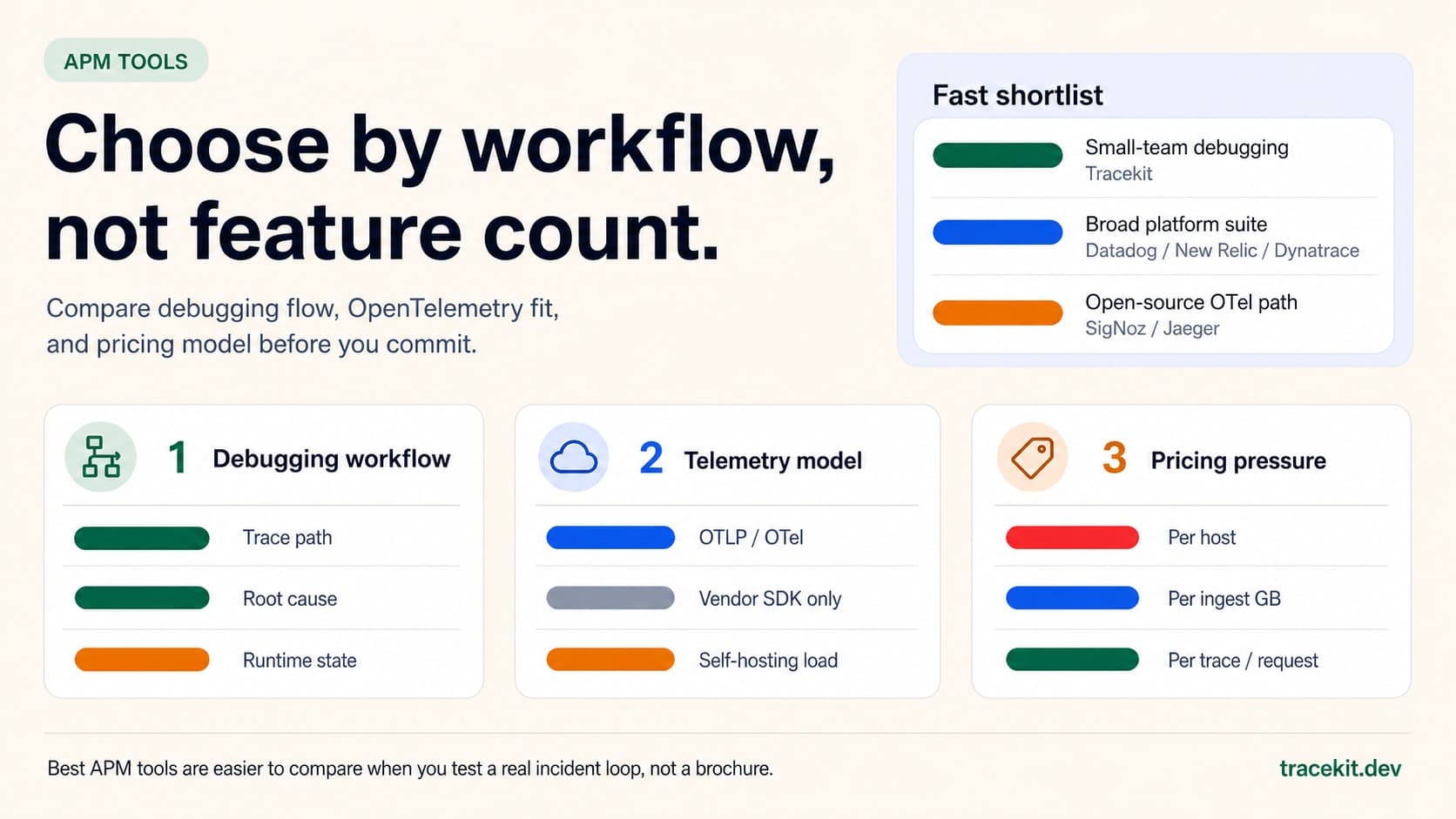
Best APM Tools for 2026: What to Compare Before You Commit
Compare the best APM tools for 2026 by debugging workflow, OpenTelemetry fit, pricing model, and runtime-state visibility.
Your API Just Threw a 500. Here's How to Actually Fix It.
Your API threw a 500 at 3 AM. A systematic approach to diagnose, trace, and fix production API errors without the panic and guesswork.

Complete Guide to Application Observability for Startups
Practical observability for startups: logs, metrics, traces with OpenTelemetry, cost-saving sampling, AI-driven detection, and CI/CD integration.