
Why I Built Tracekit: The APM Small Teams Actually Need
Why I built TraceKit: enterprise APM costs $500+/month and free tools lack real debugging. TraceKit fills the gap at $29/month for small teams.
Finding the right APM tool as an indie hacker or small team is frustrating. Enterprise tools like Datadog cost $500+/month, while free options lack real debugging power. Here's what led me to build Tracekit and why it might be what you're looking for:
-
The Gap: Enterprise APM tools are overkill and overpriced for solo developers and small teams. Budget-friendly options lack distributed tracing and dynamic logs.
-
The Solution: Tracekit provides production debugging without redeploying, starting at $29/month. Add dynamic logs, capture variable state, and trace requests across services.
-
Who It's For: Solo developers, indie hackers, small teams (2-10 people), and developers building with AI coding tools like Cursor or GitHub Copilot.
-
Key Features: Dynamic logging in production, distributed tracing, AI-powered anomaly detection, and OpenTelemetry-native instrumentation.
-
Pricing: Free tier (200k traces/month), Starter ($29/month), Growth ($99/month), Pro ($299/month).
This post explains why I built Tracekit and the specific problems it solves for developers who need observability without enterprise budgets.
The Problem Nobody Talks About
There's a weird gap in the APM market that affects indie hackers and small teams.
On one side, you have enterprise tools like Datadog and New Relic. They're powerful. They're comprehensive. They're also $500+/month for any real usage. That works if you're a funded startup with dedicated DevOps. It doesn't work if you're a solo founder with a side project making $200/month in revenue.
On the other side, you have basic options. Maybe Sentry for errors. Maybe some logging. But actual observability? Distributed tracing? Understanding what's happening across your entire request lifecycle? That's been reserved for teams with budgets.
The Numbers Don't Work
Here's what typical APM pricing looks like for a small team:
| Tool | Starting Price | What You Get | Hidden Costs |
|---|---|---|---|
| Datadog | $31/host/month | APM only | +$0.10/GB logs, +$5/100 metrics |
| New Relic | $49/user/month | Full platform | Data ingestion limits |
| Dynatrace | Custom pricing | Full platform | Enterprise contracts |
| Tracekit | $29/month | Tracing + dynamic logs | None |
A 5-person startup running 10 services can easily spend $800-2000/month on Datadog before they've made a single dollar in revenue.
What Tracekit Actually Does
At its core, Tracekit is about debugging production without redeploying.
Here's the workflow that used to drive me crazy:
-
User reports a bug
-
I can't reproduce it locally
-
I add logging statements
-
I redeploy
-
I wait for it to happen again
-
I realize I logged the wrong thing
-
Repeat steps 3-6
With Tracekit, it's different:
-
User reports a bug
-
I add a dynamic log from the dashboard
-
Next time that code runs, I see the exact state of every variable
-
I fix it
No redeployment. No guessing what to log. No waiting.
Dynamic Logs in Production
Traditional debuggers don't work in production. You can't pause a live server handling real traffic. But you can capture state at specific points in your code without stopping execution and without redeploying.
Tracekit's dynamic logs work like this:
-
Select a file and line number in the dashboard
-
Define what variables to capture
-
The next request that hits that line captures the state
-
View the captured data in the dashboard
This is different from adding log statements because:
-
No code changes required
-
No redeployment needed
-
Capture exactly what you need, when you need it
-
Remove the log point when you're done
Distributed Tracing
For applications with multiple services, databases, and external APIs, understanding where time is spent is critical. Tracekit uses OpenTelemetry for distributed tracing, which means:
-
Automatic instrumentation for popular frameworks (Express, Laravel, Django, Flask, Go)
-
Request flow visualization across services
-
Latency breakdown by component
-
Error correlation across the request lifecycle
Why $29/Month?
I picked the price by working backwards.
What would I pay for this when I was making $500/month from a side project? Probably not $100. Definitely not $500. But $29 for something that saves me hours of debugging? That's a reasonable trade.
Pricing Tiers
| Plan | Price | Traces/Month | Retention | Best For |
|---|---|---|---|---|
| Free | $0 | 200,000 | 7 days | Students, early validation |
| Starter | $29 | 1,000,000 | 30 days | Solo developers, side projects |
| Growth | $99 | 10,000,000 | 45 days | Small teams, growing apps |
| Pro | $299 | 50,000,000 | 180 days | High-traffic applications |
All plans include unlimited team members, dynamic logs, distributed tracing, and AI-powered anomaly detection. No per-seat pricing. No surprise overages.
Who This Is For (And Who It's Not)
Tracekit Is For
Solo developers with production apps: You have real users, real bugs, and limited time to debug. You need something that works without a week of setup.
Small teams (2-10 people): You need observability but can't justify enterprise pricing. Your engineering budget goes to building features, not monitoring bills.
Indie hackers: You're bootstrapping, watching every dollar, but you still need to know when things break.
AI-assisted developers: You're building with Cursor, GitHub Copilot, Lovable, or Replit Agent. You ship fast. You need visibility into code you didn't write line by line.
Tracekit Is NOT For
Enterprise teams needing compliance: If you need SOC2, HIPAA, or enterprise contracts, you need a bigger vendor (for now).
Companies with 100+ engineers: At that scale, you probably need the full Datadog/New Relic ecosystem.
Hobbyists without production apps: The free tier works, but if you're not running production traffic, you might not need this yet.
The AI Coder Angle
Here's something I didn't anticipate when I started building Tracekit: the rise of AI-assisted coding.
Cursor, GitHub Copilot, Lovable, v0, Replit Agent. These tools let you ship incredibly fast. But they create a new problem: you're running code in production that you didn't write line by line. When something breaks, you can't just "remember" what you were thinking when you wrote it.
A 2026 survey found that 78% of developers now use AI coding assistants. That's a lot of code written by machines, running in production, that humans need to debug.
Tracekit fills that gap. It's the observability layer for AI-generated code. See what's actually happening at runtime, even when you didn't personally write every function.
Getting Started
Tracekit supports PHP, Node.js, Go, Python, Java, and Ruby. Setup takes about 5 minutes:
-
Sign up at tracekit.dev
-
Install the SDK for your framework
-
Add your API key
-
Deploy
That's it. Traces start appearing in your dashboard immediately.
Framework Support
View GuideView GuideView GuideView GuideView GuideView Guide
| Framework | Setup Time | Documentation |
|---|---|---|
| Express.js | ~3 minutes | |
| Laravel | ~4 minutes | |
| Django | ~4 minutes | |
| Flask | ~3 minutes | |
| Go (net/http) | ~5 minutes | |
| Ruby on Rails | ~4 minutes |
What's Next
I'm not going to pretend this is a finished product. I'm building in public, shipping fast, and listening to users. If you try it and something doesn't work, tell me. I read every message.
Current roadmap priorities:
-
More framework integrations
-
Improved AI anomaly detection
-
Team collaboration features
-
Self-hosted option for sensitive environments
Try it free: tracekit.dev
Related Posts
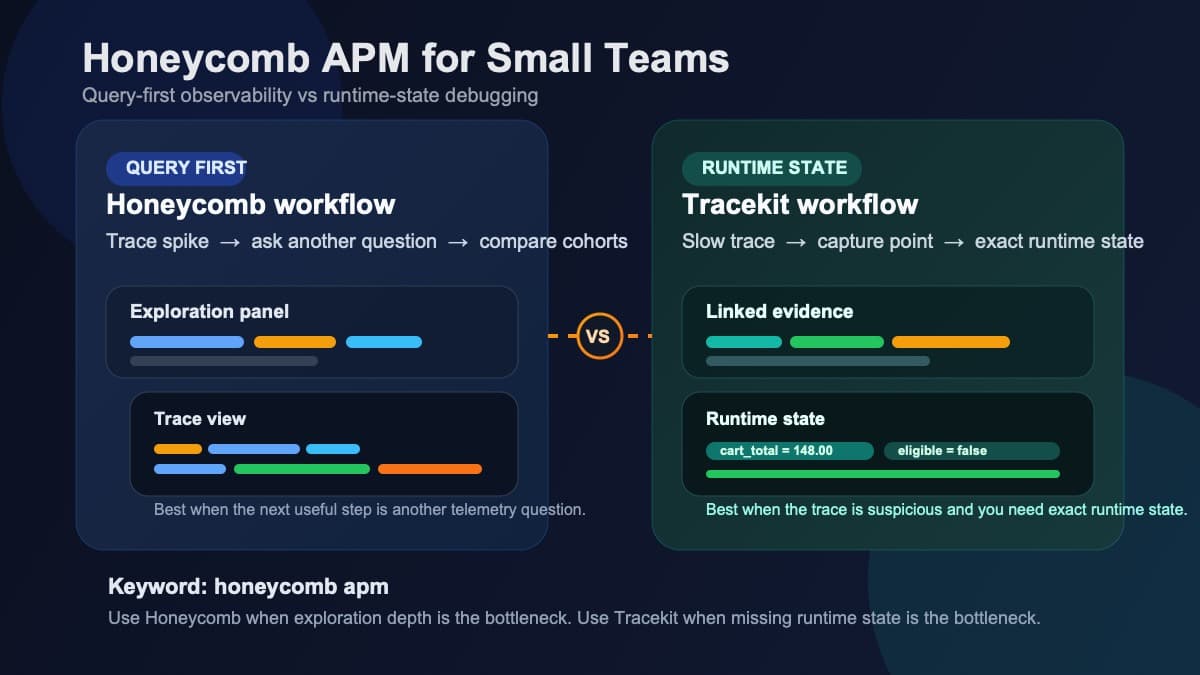
Honeycomb APM for Small Teams: Querying vs Runtime State
Honeycomb APM explained for small teams: query-first observability, pricing tradeoffs, and when you still need runtime state to debug production.
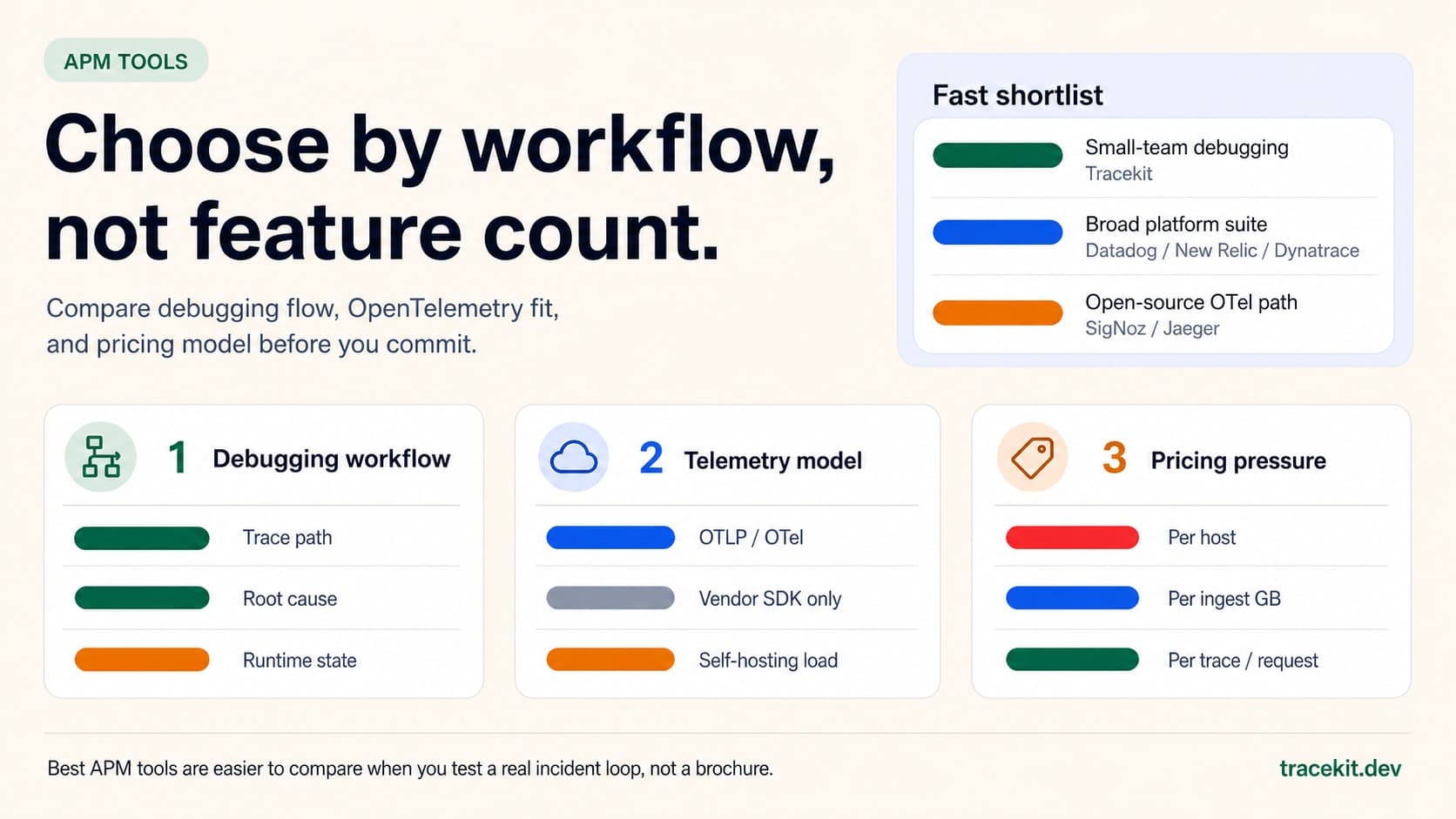
Best APM Tools for 2026: What to Compare Before You Commit
Compare the best APM tools for 2026 by debugging workflow, OpenTelemetry fit, pricing model, and runtime-state visibility.
Your API Just Threw a 500. Here's How to Actually Fix It.
Your API threw a 500 at 3 AM. A systematic approach to diagnose, trace, and fix production API errors without the panic and guesswork.