
Production Debugging Checklist for Small Dev Teams
Production debugging checklist for small dev teams: structured logs, focused alerts, fast triage, tracing, fixes, and post-mortems to prevent repeat issues.
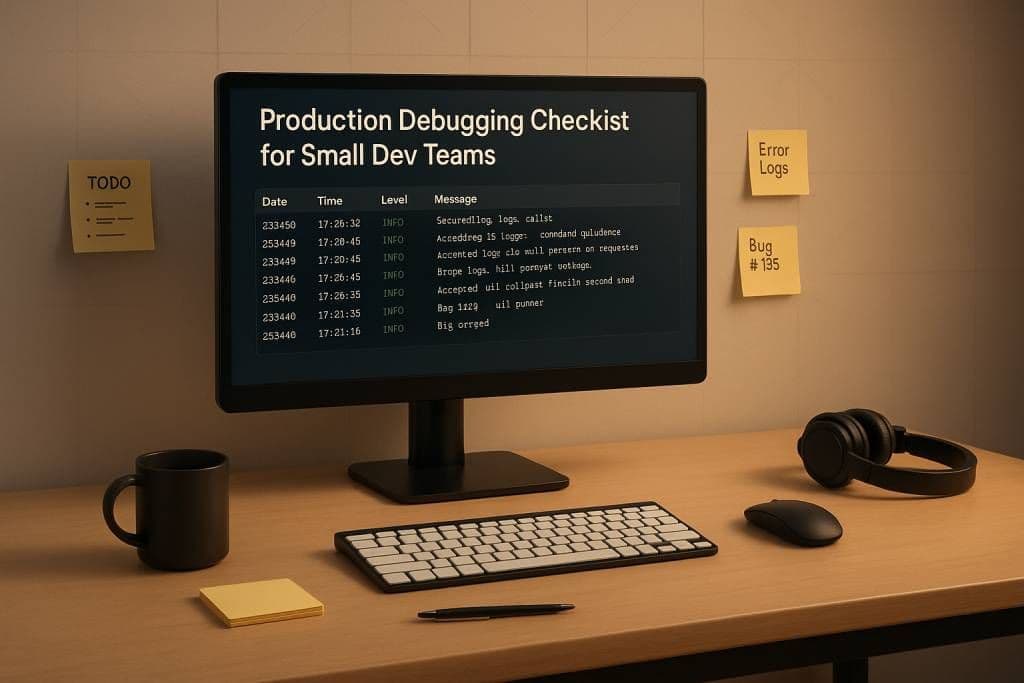
Debugging production issues can feel overwhelming for small dev teams already managing multiple responsibilities. Here's a streamlined approach to handle production bugs effectively and minimize downtime:
- Prepare Ahead of Time:
- Use structured logging (e.g., JSON) with timestamps, correlation IDs, and user IDs.
- Centralize logs with aggregation tools for easy access.
- Set up monitoring for key metrics like error rates, latency, and throughput.
- Create actionable alerts with meaningful thresholds to reduce noise.
- Build runbooks with clear steps for common issues and ensure all team members have production access.
- Respond Quickly (First 15 Minutes):
- Verify alerts to rule out false positives by cross-checking metrics and user feedback.
- Classify severity (e.g., P1 for critical outages, P2 for partial issues, P3 for minor bugs).
- Notify stakeholders with concise updates on the issue and resolution progress.
- Apply quick fixes like rolling back recent changes or rerouting traffic.
- Investigate the Root Cause:
- Analyze logs and use distributed tracing to pinpoint errors.
- Check performance metrics (CPU, memory, database queries) for bottlenecks.
- Leverage user session data and AI-powered tools for anomaly detection.
- Fix and Prevent Recurrence:
- Apply temporary fixes to stabilize the system.
- Develop permanent solutions, validate them in staging, and roll out gradually.
- Conduct post-mortems to document findings, improve processes, and refine tools.
What Are The Safest Ways To Debug In A Live Production Environment?
Before an Incident: Prepare Your Systems
Good preparation can mean the difference between a minor hiccup and hours of downtime. For small teams, there's no room for fumbling with credentials, searching through scattered logs, or struggling with monitoring tools while users are impacted. Preparation isn't just helpful - it's the backbone of effective incident response. Here's how to lay the groundwork for quick, decisive action when things go wrong.
Set Up Structured Logging and Central Log Storage
Logs are your go-to resource for understanding what’s happening in production, but they’re only useful when they’re well-organized and easy to access. Unstructured logs can make it nearly impossible to trace requests or filter sessions effectively.
Switch to JSON-based structured logging. Each log entry should include key details like timestamps, correlation IDs, user IDs, and request/response data. For example, log API calls with a unique correlation ID at both the start and end. This creates a clear, traceable path through your system and makes automated searches and analysis much easier.
Stick to standard log levels - DEBUG, INFO, WARN, and ERROR - throughout your codebase. This consistency helps you quickly distinguish between detailed diagnostics, normal operations, potential warnings, and critical failures. It’s a simple way to speed up issue detection and reduce downtime.
Be cautious about what you log. Avoid sensitive data like Personally Identifiable Information (PII), passwords, credit card numbers, or API keys. Logging this kind of data not only opens up security risks but can also lead to compliance headaches. Instead, use anonymized identifiers to track user activity safely.
Centralize your logs with aggregation tools. This setup allows for real-time analysis without the need to SSH into multiple servers, making it much easier to pinpoint issues. Finally, define a clear log retention policy to balance your debugging needs with storage costs and compliance requirements.
Configure Monitoring, Alerts, and Dashboards
Monitoring tools, alerts, and dashboards are your early warning system for production health. Focus on key metrics that directly affect user experience, such as error rates, latency, and throughput. These "golden signals" provide a quick snapshot of how your application is performing and help you catch issues before they escalate.
Set up alerts that trigger based on meaningful thresholds or unusual patterns, not arbitrary numbers. The goal is to create actionable alerts that your team can respond to without being overwhelmed by noise. Thoughtfully designed alerts reduce fatigue and ensure faster responses when real problems arise.
Dashboards are equally important. Build ones that provide an instant overview of system health, highlight affected services, and show the impact on users. A well-designed dashboard can save valuable time during an incident.
Create Runbooks and Confirm Team Access
Runbooks are step-by-step guides for handling common production issues. They’re a lifeline for on-call engineers, offering clear instructions for the critical first minutes of an incident. A good runbook should include:
- Symptoms to watch for
- Where to find relevant logs and metrics
- Detailed investigation steps
- Commands for common fixes or rollbacks
Keep runbooks concise and easy to skim. Use numbered steps and straightforward commands with placeholders for variables like service names or timestamps. Include direct links to dashboards, log queries, and documentation to make the process as smooth as possible.
Make sure every team member has immediate access to production credentials, consoles, monitoring tools, and deployment systems. Regularly test these access controls to catch permission issues before they cause delays. Use password managers or secret management systems to document secure, shared access.
For teams with multiple developers, set up a rotation schedule for on-call duties. This ensures everyone stays familiar with incident response procedures and helps prevent burnout from overloading any single person.
First 15 Minutes: Initial Response Steps
The first 15 minutes of a production incident can make or break the outcome. For small teams, these moments are especially critical - you need to quickly figure out what’s real, what’s urgent, and what can be addressed immediately. It’s a balancing act: speed matters, but so does accuracy. Here’s how to make those first minutes count.
Confirm Alerts and Rule Out False Positives
Not every alert signals a real issue. Monitoring systems can sometimes generate noise, leading to false positives that waste valuable time and create unnecessary stress. Your first step is to confirm whether the alert reflects an actual problem that’s affecting users.
Start by verifying the alert across multiple user feedback channels. Assess the scope of the issue by identifying which user segments are impacted and whether related metrics, like latency or throughput, show anomalies. For example, if your error rate suddenly spikes but other metrics remain stable, it’s worth investigating further before escalating. Temporary network hiccups, scheduled maintenance, or misconfigured monitoring tools can often trigger alerts without indicating a real problem.
Timing can also provide clues. Did the alert occur right after a deployment, configuration change, or update? Or did it happen during a low-traffic period when even minor fluctuations might stand out? Understanding the timing can help distinguish between a genuine incident and a monitoring artifact.
Assess Severity and Notify Stakeholders
Once you’ve established that the alert is legitimate, it’s time to classify the severity of the incident. Many teams use a three-tier system:
- P1: Critical issues affecting all users, such as a complete outage, halted payment processing, or a security breach. These require immediate attention and executive involvement.
- P2: Significant problems that impact a subset of users or degrade functionality, like elevated error rates on non-critical features or slower performance for specific segments.
- P3: Minor issues that might have workarounds or only affect a small number of users.
For a P1 incident, think of scenarios like your application being completely down or a major security threat. These demand an all-hands-on-deck approach. P2 incidents might involve noticeable performance drops or partial feature failures, while P3 issues are often less urgent and easier to manage.
Once you’ve classified the incident, notify stakeholders right away with a concise summary. Include key details like the affected components, user impact, and an estimated resolution time. Even if you don’t have all the answers yet, early communication builds trust and prevents unnecessary escalations. For smaller teams, it’s helpful to assign one person to handle stakeholder updates while the rest focus on solving the issue. Keep updates regular - every 15–30 minutes for P1 incidents and hourly for P2 issues - even if all you can say is, “We’re still investigating.”
With stakeholders informed, you can shift your attention to finding immediate solutions.
Look for Quick Fixes
In many cases, the fastest way to resolve a production issue is to undo the most recent change. Start by reviewing recent deployments. If the problem began right after a new release, consider rolling back or rolling forward as quickly as possible. Rollbacks are easier if your team uses immutable infrastructure, which allows you to revert to a previous version seamlessly. However, if the deployment involved database schema changes, double-check that the older version can still handle the updated data to avoid further complications.
Also, check for configuration updates or issues with third-party services. For example, if your problem stems from a dependency like your cloud provider, payment processor, authentication service, or CDN, reviewing their status pages can confirm if the issue lies outside your control. If that’s the case, focus on fallback mechanisms and keep your users informed.
For partial failures, consider degrading functionality rather than taking the entire system offline. For instance, if your recommendation engine breaks, serve default recommendations. If a reporting feature is down, disable it temporarily while keeping core features running. This approach minimizes the impact on users while you work on a permanent fix.
Investigation: Find the Root Cause
Once you've addressed the immediate fallout of an incident, the next step is to dig deeper and uncover the exact cause. This phase is all about gathering the right data, filtering out distractions, and connecting the dots between symptoms and their origins. The goal? Fix the issue and ensure it doesn't happen again.
Review Logs and Trace Requests
Logs are like a trail of breadcrumbs, showing you the exact path your application took during execution. They detail which code branches were followed, the values passed into critical methods, and the runtime types instantiated from subclasses. These details can be pivotal in understanding what went wrong.
Start by zeroing in on key decision points during the incident. If error rates spiked, look for exception messages or stack traces that appeared during the affected timeframe. Patterns can be revealing - are the same errors cropping up repeatedly? Are they linked to specific user actions or API endpoints? Use logging tools to filter by severity, service, or tags to narrow your focus.
For distributed systems, logs alone may not tell the whole story. This is where distributed tracing becomes invaluable. Tracing allows you to visualize how a single request moves across multiple services, providing a full picture from the initial user action to the final response. If you identify an error in your logs, grab the trace ID and use it to pull up the corresponding trace. This gives you a chronological view of the request’s journey - what services it touched, how long each step took, and where things went wrong.
As you sift through logs, take note of what’s helpful and what isn’t. Often, you’ll find that some logs are just noise, while crucial details are missing. After resolving the issue, revisit your logging practices to remove unnecessary clutter and add logs that could help you troubleshoot faster in the future.
Once you’ve mined insights from the logs, it’s time to turn your attention to performance metrics for a broader analysis.
Check Performance Metrics and Bottlenecks
Not all issues stem from outright failures - sometimes, performance degradation is the culprit. Problems like resource exhaustion, slow database queries, or memory leaks can snowball into errors or a poor user experience. Performance metrics can help you spot these bottlenecks early.
Start by examining CPU, memory, and network latency. If your CPU usage is maxed out, you could be dealing with inefficient code, an infinite loop, or a sudden traffic surge that your system wasn’t prepared for. High memory usage might suggest a memory leak, especially if it’s been creeping up over time. Spikes in network latency could point to issues with external APIs, DNS resolution, or bandwidth limitations.
Pay close attention to database performance, as databases are often a pain point in web applications. Look at query execution times, connection pool usage, and slow query logs. A poorly optimized query running frequently can bring your system to its knees. Check for missing indexes, full table scans, or queries returning overly large datasets. If your connection pool is maxed out, you might need to increase its size or investigate whether connections aren’t being properly released.
Flame graphs are another powerful tool for pinpointing inefficiencies. They show function call hierarchies and execution times, making it easy to identify which parts of your code are consuming the most resources. If a specific function is hogging CPU time, it’s a clear signal to dig deeper.
Lastly, use service dependency maps to understand how your services interact. If Service A is slow, it might be waiting on Service B, which could be waiting on Service C. These maps help trace the chain of dependencies, so you can address the root issue rather than just patching symptoms.
With performance metrics in hand, shift your focus to understanding the user’s experience for additional context.
Use User Session Data and AI-Powered Detection
Metrics and logs tell part of the story, but user session data offers a critical perspective: what the user was doing before encountering an issue. This data includes details like browser version, device type, and location, which can be invaluable for reproducing bugs or understanding why specific users are affected.
AI-powered anomaly detection adds another layer of insight. These tools analyze your metrics, logs, and traces to spot patterns that might be hard to detect manually. For instance, they can flag a sudden increase in error rates, unusual latency spikes, or unexpected shifts in traffic. Unlike traditional monitoring, which relies on predefined thresholds, AI tools learn your application’s normal behavior and alert you when something deviates.
One of the biggest advantages of AI detection is speed. Often, these tools can alert you to problems before users even notice. For example, they might detect that your error rate has climbed from 0.1% to 0.5% - a statistically significant change that might not trigger traditional alerts. AI systems can also correlate multiple signals, like linking a latency spike in one service to memory pressure in another, helping you zero in on the root cause faster.
Look for tools that offer automatic error linking, which connects exceptions to their stack traces and the specific requests that caused them. This eliminates the need to jump between different systems, giving you a complete picture: the error message, stack trace, user details, request parameters, and trace data showing how the request flowed through your system.
Fix and Prevent: Resolve Issues and Stop Recurrence
Once you've pinpointed the root cause, the next step is taking action. This phase combines immediate fixes to restore functionality with strategies to prevent the issue from happening again. The goal is to stabilize operations now while setting up safeguards for the future. It’s a two-pronged approach: quick fixes for immediate recovery and long-term solutions for lasting stability.
Implement Temporary Fixes and Rollbacks
When systems are down or performance is suffering, speed is critical. Your first priority is to stabilize operations, even if that means applying a short-term solution that isn’t perfect for the long haul.
- Feature flags can be a lifesaver. For instance, if a new checkout process is causing errors, you can flip a feature flag to redirect users to a stable version while investigating.
- Traffic rerouting is another quick fix. Use load balancers or DNS adjustments to divert traffic away from problematic servers or regions to maintain service continuity.
- For database migration issues, a forward fix - introducing a new migration to resolve the problem without undoing previous data changes - might be more effective than a rollback.
Throughout this process, keep stakeholders informed with clear, concise updates.
Implement Permanent Fixes and Validate Stability
Temporary fixes are just a stopgap. Once the immediate crisis is under control, shift focus to resolving the root cause with a permanent solution.
- Recreate the issue in a non-production environment to confirm the cause and test your solution. If local testing isn’t feasible, use a staging environment that closely mirrors production.
- Develop regression tests to specifically target the issue. These tests ensure the problem doesn’t sneak back in future releases.
- Roll out fixes gradually. Start with a small portion of traffic - say 10% - and monitor key metrics like error rates and system latency. If everything holds steady, expand the rollout incrementally until it’s fully deployed. This careful approach helps catch any issues that might only appear at scale.
- Post-deployment, monitor system health indicators such as CPU usage, memory consumption, database query performance, and API response times to confirm stability.
This methodical process not only resolves the issue but also strengthens your system against similar problems down the line.
Document Findings and Improve Processes
Thorough documentation and process refinement are key to preventing repeat issues.
- Conduct a post-mortem within 48 hours of resolving the incident. Walk through the timeline - from the moment the issue arose to how it was detected, investigated, and fixed. Focus on identifying lessons and improving processes, not assigning blame.
- Did you know? Fixing a defect during a code review is 10–100 times less expensive than addressing it in production[1]. Use this opportunity to update runbooks, refine alerts, and document the timeline.
- Review and improve monitoring configurations to cut down on delays and false alarms. If it fits your needs, consider tools like AI-powered anomaly detection to catch issues earlier.
Finally, share your findings with the team. Whether it’s through a quick meeting or a written summary, this step ensures everyone learns from the experience and is better prepared for future challenges.
Conclusion
Debugging in production doesn’t have to feel chaotic if you approach it with a clear plan. By setting up effective logging, monitoring, and alert systems before issues occur, you’re already setting yourself up for success.
When it comes to investigating incidents, having the right tools can save you a ton of time. Distributed tracing, performance metrics, and AI-driven anomaly detection can help you pinpoint the root cause faster, allowing you to restore stability and prevent the same issue from cropping up again.
Don’t underestimate the power of documentation. Recording incidents and their resolutions turns individual lessons into a shared resource for your entire team, reducing the chances of repeating past errors.
Once you’ve addressed the immediate problem, focus on strengthening your systems. Start by improving your logging and monitoring setup, updating your runbooks as new challenges arise, and gradually adopting more advanced tools. You don’t need to overhaul everything at once - just tackle the areas where your processes need the most attention. Over time, your production environment will become more reliable, and your team will be better equipped to handle whatever comes their way.
FAQs
What steps can small development teams take to prepare for production issues?
Small development teams can gear up for production challenges by focusing on building systems that are sturdy, secure, and closely monitored. Start by clearly outlining the scope of every release, then conduct rigorous testing to identify potential risks and ensure quality. Double-check that all configurations and integrations are correctly set up, and plan the rollout process with care, including a solid strategy for post-release monitoring.
To keep downtime to a minimum, use tools for monitoring, logging, and tracking to gain real-time insights into system performance. Strengthen resilience by incorporating features like auto-recovery mechanisms and regular health checks. Also, test how your system handles spikes in traffic to ensure it’s ready for anything. By taking these steps ahead of time, your team can tackle production issues swiftly and efficiently.
What are the best practices for using structured logging to improve debugging in production?
Structured logging can be a game-changer for debugging - if done right. Start by centralizing your logs so your entire team can access them without hassle. Make sure every log entry follows a consistent format. Include essentials like timestamps, error levels, and contextual details about the event. This kind of uniformity makes it much easier to search, filter, and analyze logs when something goes wrong.
But here's the key: don't log everything. Focus on capturing meaningful data that actually helps pinpoint issues. Prioritize errors, warnings, and critical events that shed light on the root cause of problems. By sticking to these principles, you can simplify debugging and minimize production downtime.
How can AI-powered tools help small development teams quickly detect and resolve production issues?
AI-powered tools make debugging a lot easier by spotting anomalies, flagging potential errors, and offering smart, context-based suggestions to fix them. They can dive into logs, keep an eye on system behavior in real time, and even predict issues before they affect users.
For smaller teams, these AI-driven solutions are a game-changer. They cut down on manual work and speed up root cause analysis by learning from previous incidents and delivering practical insights. This means developers can spend more time resolving problems quickly and keeping production downtime to a minimum.
Related Blog Posts
Related Posts

7 Signs Your Production Debugging Process Is Broken
7 warning signs your production debugging is broken: recurring bugs, slow log analysis, invisible anomalies, and more. Diagnose and fix your process.
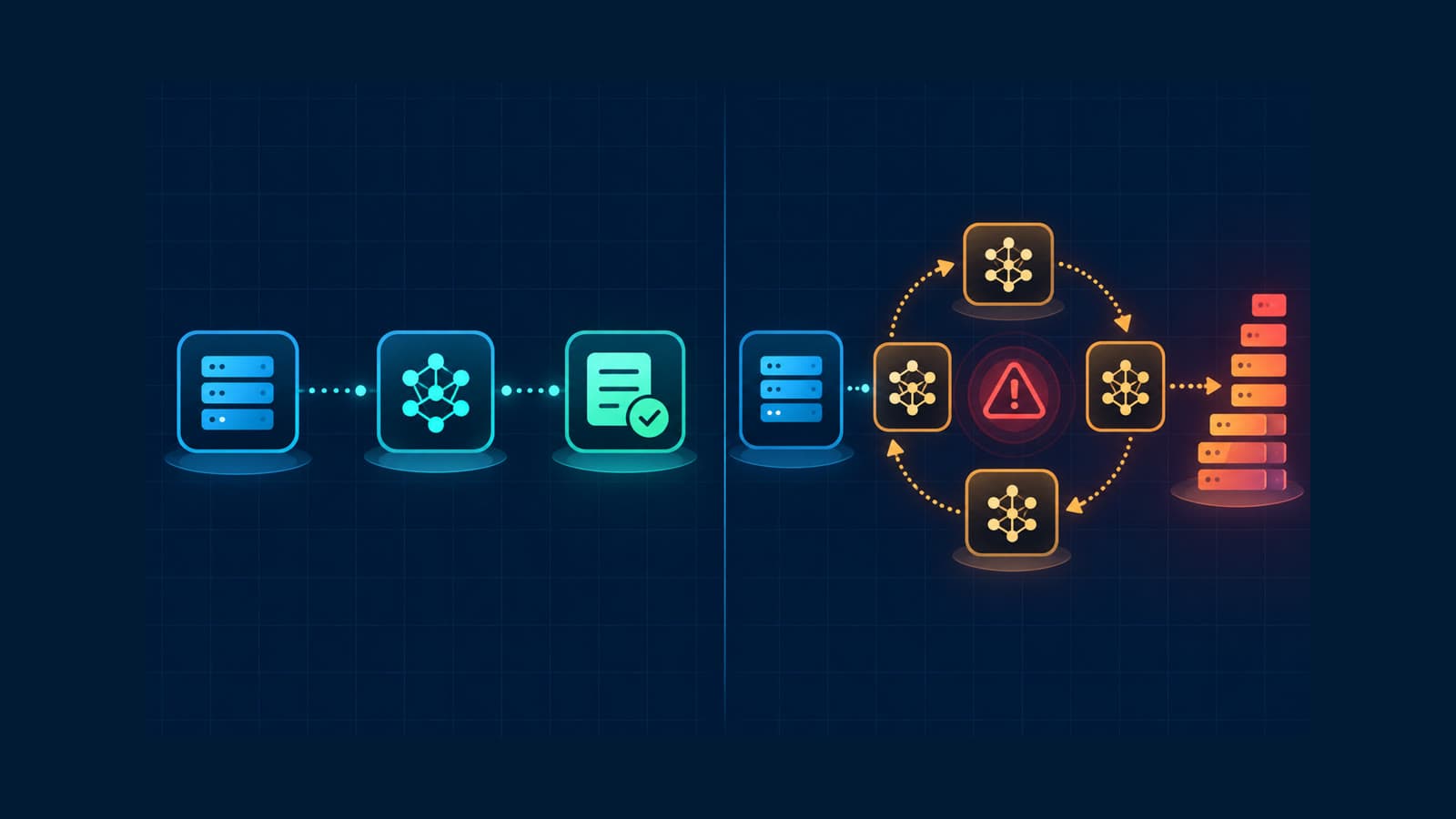
How to Track Rogue LLM Calls in Production
Track rogue LLM calls with traces, call counts, token usage, costs, models, and retry evidence before a loop becomes an incident.
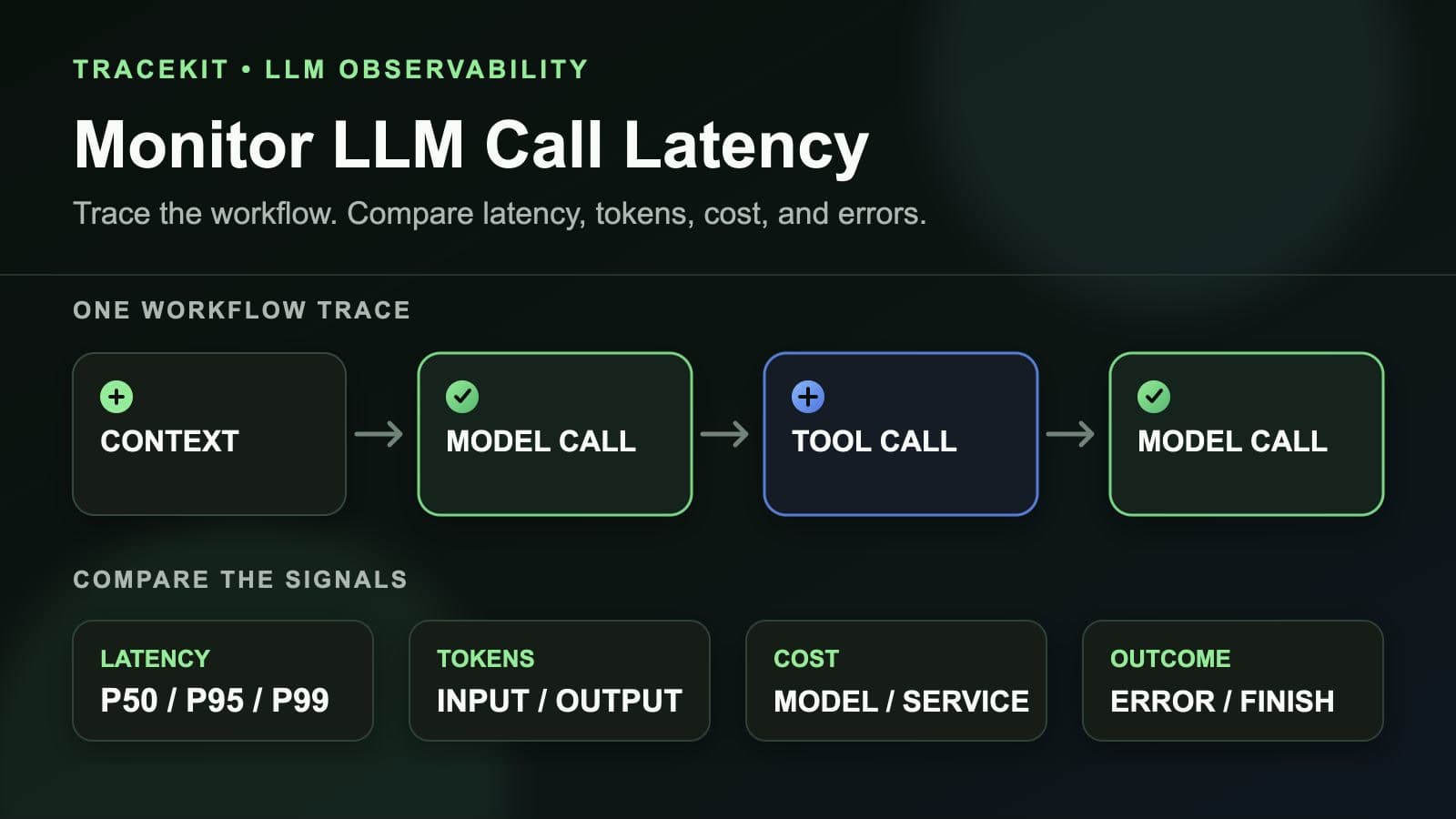
How to Monitor LLM Call Latency in Production Workflows
Monitor LLM call latency in production workflows with traces, model percentiles, token usage, costs, errors, and workflow context.