

In the fast-paced world of building and deploying production-grade microservices, debugging becomes an inevitable part of the development cycle. Whether you’re an indie hacker or part of a small development team, debugging production issues is no trivial task. This article is a step-by-step guide to effectively identifying and fixing bugs in Spring Boot microservices during production. Inspired by a detailed walkthrough in a video, we’ll break down the debugging process into digestible sections for clarity and actionable insights.
Whether you’re working on an e-commerce microservices architecture or another domain, the principles shared here will help you streamline bug resolution and improve your development workflow.
Understanding the Scope of Debugging
Debugging a microservices architecture involves more complexity than a monolithic application. Each service acts as an independent piece of the puzzle, and issues in one service can cascade into failures across the ecosystem. This guide focuses on practical techniques for identifying, categorizing, and resolving common bugs and misconfigurations.
Why Debugging Microservices Is Challenging:
- Decentralized Components: Each service has its own database, configuration, and codebase.
- Inter-Service Communication: Bugs in APIs or gateway configurations can disrupt the flow of requests.
- Environment-Specific Issues: What works in local development may fail in production due to environment variables, ports, or resource constraints.
sbb-itb-0fa91e4
Step-by-Step Debugging: Microservices in Focus
1. Pre-Debugging Checklist
Before running or testing services, ensure:
- Annotations are properly applied: Missing annotations like
@Componentor@Repositoryare often the culprits behind non-functional classes. - Configuration files are validated: Check for typos or misaligned values in critical files like
application.propertiesorapplication.yml. - Port conflicts are avoided: Assign unique ports to each microservice (
8080,8081, etc.) to prevent clashes during deployment.
Example:
In the video, an e-commerce application had mismatched property keys (app.jwt.secret vs jwt.secret) in the JWTUtil class and application.properties, causing token validation failures. Fixing the property alignment resolved the issue.
2. Systematic File Inspection
Debugging begins with inspecting source files across services for misconfigurations or overlooked errors. Follow this structure for a thorough investigation:
- Check Annotation Usage: Verify that required annotations, like
@Componentfor custom filters or@Repositoryfor repositories, are added. - Ensure Proper Object Mapping: Use tools like MapStruct or manual mapping, ensuring null values are handled gracefully to prevent
NullPointerException.
Key Example:
In the inventory microservice, a class was not being recognized because the @Component annotation was missing. Adding the annotation allowed Spring to manage the class as a bean, resolving dependency injection issues.
3. Configuration Best Practices
Microservices often fail due to misconfigured properties. Some common configurations to validate include:
- Database Settings: Ensure
spring.datasource.url,username, andpasswordare correctly defined for each service. - Hibernate Settings: Set
spring.jpa.hibernate.ddl-auto=updateand enable SQL logs withspring.jpa.show-sql=truefor better visibility during debugging. - Kafka or Messaging Configuration: Typographical mistakes in Kafka configurations (e.g.,
kafkamisspelled askakfa) can break communication between services.
Pro Tip: Always use environment-specific property files (like application-prod.yml) to isolate production configurations from development ones.
4. API Gateway and Routing Issues
API Gateway plays a critical role in routing traffic to the correct services. Misconfigured routes can lead to errors like 404 Not Found or incorrect service hits. Steps to validate:
- Check API Routes: Ensure the paths in the gateway configuration match the endpoints exposed by services.
- Correct URL Mapping: Consistently use the same endpoint structure (e.g.,
/api/usersinstead of mixing/userand/users).
Example Fix:
In the user service, a path conflict was traced to /api/user being hardcoded in one file while /api/users was used elsewhere. Aligning the routes fixed the issue.
5. Fixing Dependency and Build Errors
Build-related bugs can be subtle but impactful. For instance:
- Missing dependencies in
pom.xmlorbuild.gradlecan cause runtime failures. - Unused imports and debug code can clutter the build process.
Example:
In the payment microservice, inconsistent class capitalization (Payment vs payment) caused runtime errors. Updating class and variable names across layers resolved the issue.
6. Validating Business Logic and DTO Mapping
Data Transfer Objects (DTOs) are a common source of errors, especially when mapping entities to responses. Null fields or incorrect mappings can propagate issues downstream.
Best Practice:
Use conditional checks during mapping to handle null safety. For example:
product.getCategory() != null ? product.getCategory().getId() : null; 7. Testing Microservices with Postman
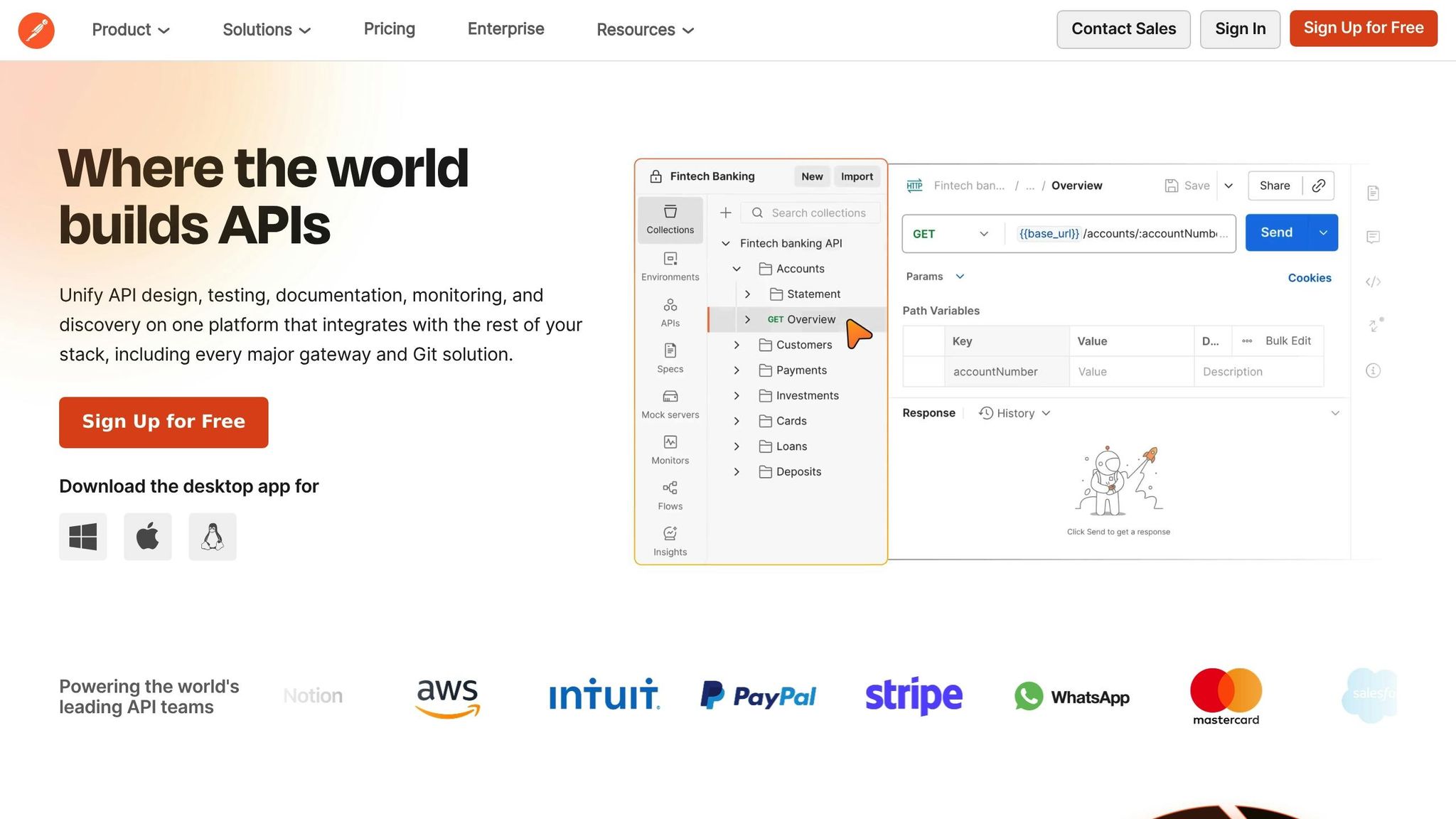
Once individual services are fixed, the next step is testing their APIs using tools like Postman:
- Hit endpoints systematically: Start from the API Gateway, then test individual service endpoints.
- Validate payload structures: Ensure the request and response payloads meet expectations.
- Test edge cases: Simulate erroneous inputs to confirm error handling.
Key Takeaways
- Annotations Are Critical: Always double-check for missing or incorrect annotations like
@Component,@Repository, or@Service. - Configuration Consistency Matters: Align property keys between configuration files and application logic.
- Port Assignments Prevent Clashes: Use unique ports across microservices (
8080,8081, etc.). - Null Safety in Mapping: Carefully handle null values in DTO mappings to avoid runtime exceptions.
- Thorough File Inspection: Systematically review files for typos, mismatched configurations, and missing dependencies.
- Leverage Tools: Use Postman for API testing and SQL logging to debug database interactions.
- Environment-Specific Validation: Ensure production configurations are isolated in separate files like
application-prod.yml.
Conclusion: Streamlining Debugging for Agile Teams
Debugging Spring Boot microservices in production is often a delicate process, requiring meticulous attention to detail across configuration files, service communication, and runtime behavior. By following this step-by-step guide, small development teams and indie hackers can effectively identify issues and implement solutions systematically.
The ultimate goal is to reduce downtime, improve reliability, and ensure that your microservices perform seamlessly across environments. Debugging isn’t just about solving problems – it’s about refining your system to prevent future issues.
Source: "Final Debugging & Bug Fixing in Spring Boot Microservices | Production Level Testing" – hindi code class, YouTube, Jan 18, 2026 – https://www.youtube.com/watch?v=V3C1Fz-3NLE
